
Google allow to import Yahoo friends to Google Plus.
So first of all, you must have a Yahoo account. Make a new account or Log In in your existing Yahoo account.
So first of all, you must have a Yahoo account. Make a new account or Log In in your existing Yahoo account.
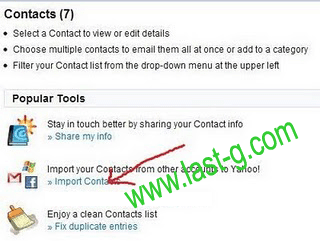
After Log In, click on 'Contacts' tab in your Yahoo Mail.

Now you can see a option for importing contacts.... Click on it.
Select Facebook account.
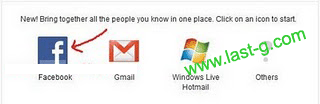
Yahoo will ask your permission, so click okay.

Wait for a minute to import Facebook contacts on your Yahoo account.
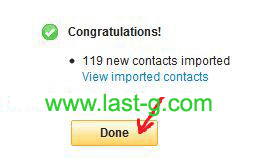
Now your all Facebook contacts are successfully imported.
Now open your Google Plus Circle page.
Then click on the link 'Find people'.
Now open your Google Plus Circle page.
Then click on the link 'Find people'.
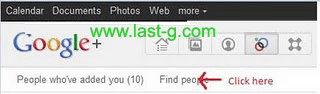
Now you can find a link for importing friends for Yahoo!. Click on it.

Now Google Plus is connecting to your Yahoo! account.
Now Google Plus is connecting to your Yahoo! account.

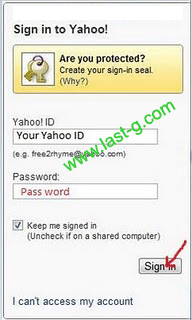
Sign In with your Yahoo Email Id and Password.
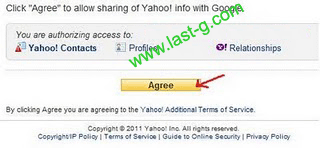
Yahoo will ask your for permission to sharing contacts with Google. Click 'Agree'.
Now Google Plus is connected with Yahoo..

Now all friends in Yahoo( Including Facebook friends) are connected to your Google Plus.
You can add your new friends to Circles by dragging .
But some of your friends are not a member in Google Plus. So you have to invite them to Google Plus. Click ' Invite '


